
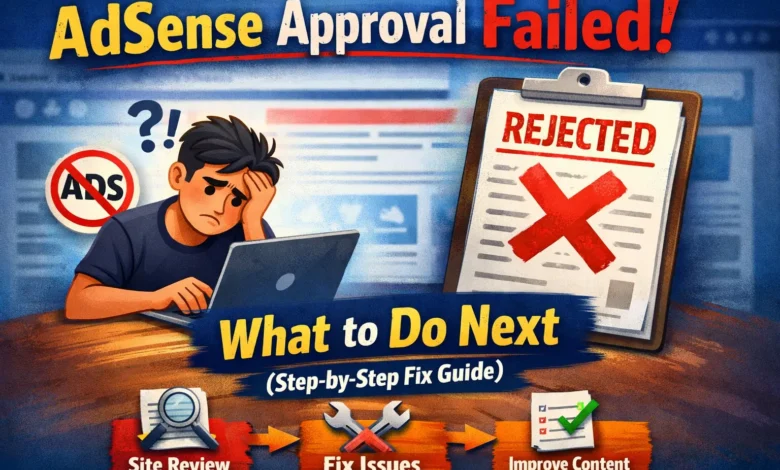
Getting a Google AdSense approval failed message can feel frustrating—especially after putting time into your website. But don’t worry.
Most AdSense rejections are fixable if you know what Google is checking and how to correct it.
In this guide, you’ll learn exactly what to do next after AdSense approval fails, common rejection reasons, and a step-by-step action plan to get approved.
Why Google AdSense Approval Failed?
Before reapplying, it’s important to understand why AdSense rejected your site. Google always shows a reason in your AdSense dashboard.
The most common causes include:
- Thin or low-quality content
- “Site not ready” error
- Policy violations
- Insufficient original content
- Poor website structure or navigation
- Traffic quality issues
👉 Never reapply without fixing the exact issue mentioned by Google.
AdSense Approval Failed: What to Do Next
Follow these steps in order for the highest approval success rate.
1. Read the Rejection Reason Carefully
Log in to your Google AdSense account → Sites → Issues
Google usually mentions one main problem like:
- Low value content
- Thin content
- Site not ready
- Policy violation
📌 Focus on fixing that one issue first, not everything at once.
2. Improve Content Quality (Most Important Step)
Low-quality content is the #1 reason AdSense approval fails.
What Google Wants:
- Original content (not copied or AI-spun)
- Helpful, in-depth articles
- Clear purpose for users
Fix Checklist:
- Publish 15–25 high-quality articles
- Each article should be 800–1500+ words
- Add headings (H1, H2, H3) naturally
- Avoid keyword stuffing
- Write for humans, not bots
✅ Tip: Add how-to guides, tutorials, and FAQs.
3. Fix Thin Content Issues
Thin content means pages with little or no value.
Pages to Improve or Remove:
- Tag pages
- Category pages with no content
- Auto-generated pages
- Empty pages
What to Do:
- Add 300–500 words to category pages
- No blank pages allowed
- Delete low-quality posts
4. Create Required Legal Pages (Must-Have)
AdSense will reject sites without proper pages.
Make sure these pages exist and are accessible from the footer:
- Privacy Policy
- About Us
- Contact Us
- Disclaimer (recommended)
📌 Use simple language and avoid copied templates.
5. Improve Website Design & Navigation
A messy site looks untrustworthy to Google.
Google-Friendly Structure:
- Clear menu
- Easy navigation
- Mobile-friendly theme
- Fast loading speed
Best Practice:
- Home → Category → Post
- No broken links
- No excessive ads or popups
6. Check AdSense Policy Violations
Some content types are not allowed for AdSense.
Avoid:
- Adult or explicit content
- Copyrighted content (movies, lyrics, PDFs)
- Download or piracy sites
- Misleading claims (“Guaranteed income”)
👉 If you find violating content, remove it completely before reapplying.
7. Traffic Is NOT Mandatory (But Quality Matters)
Many beginners think traffic is required.
❌ False
Google cares more about content quality, not traffic numbers.
However:
- Avoid bot or fake traffic
- Don’t use traffic exchange sites
- Organic traffic is best
8. Wait Before Reapplying (Very Important)
After fixing issues:
- Wait 7–14 days
- Update content regularly
- Make sure Google can crawl your site
📌 Reapplying too fast lowers approval chances.
9. Reapply for Google AdSense (Correct Way)
Steps:
- Go to AdSense Dashboard
- Fix all issues
- Click Request Review
- Submit only one site
⏳ Review time: 1–14 days (sometimes longer)
Common Mistakes After AdSense Rejection
Avoid these mistakes:
- Reapplying without fixing issues
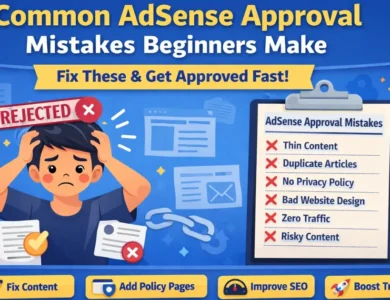
- Using copied content
- Publishing low-effort AI articles
- Ignoring Google policies
- Using expired or penalized domains
How Many Times Can AdSense Reject a Site?
There is no official limit, but:
- Multiple rejections without improvement reduce trust
- Always upgrade quality before reapplying
Final Thoughts: AdSense Approval Failed Is Not the End
An AdSense approval failed message doesn’t mean your site is bad.
It means Google wants better quality, structure, and trust signals.
Fix the real problem, improve your content, and reapply the right way—many sites get approved on their second or third attempt.
Quick Action Checklist ✅
- ✔ Read rejection reason
- ✔ Improve content quality
- ✔ Remove thin pages
- ✔ Add legal pages
- ✔ Fix site design
- ✔ Follow AdSense policies
- ✔ Wait before reapplying